
Setup Store Locator
Help your customers find the nearest store and navigate
Updated
Google Map ID setup
-
Search for "Map Management".
-
On the Map Management page, click on Create Map ID

-
Copy the Map ID of the newly created Map.
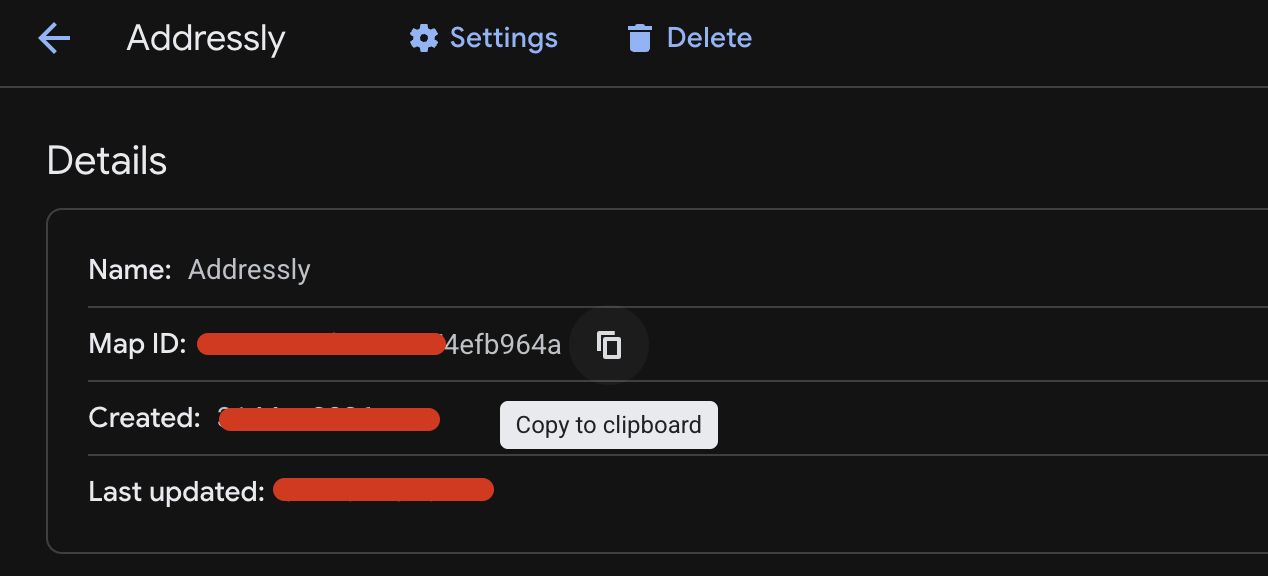
-
(Optional) Customize the map styling as per your needs
Store Locator Setup
-
Head over to the Shopify theme editor
-
Go to App embeds
-
Add the Google Map Id to the Addressly Precise Location widget.
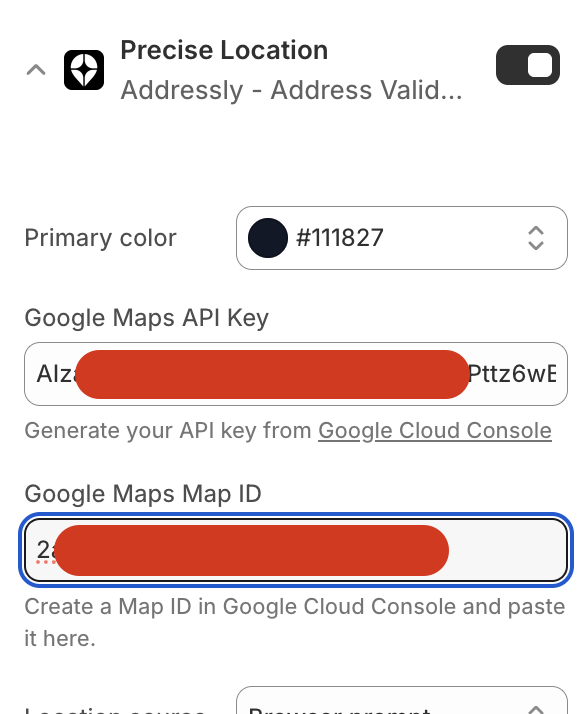
-
Now head over to the Sections tab and open the desired template where you want to add the store locator. We are going to add it to the home page in this example.
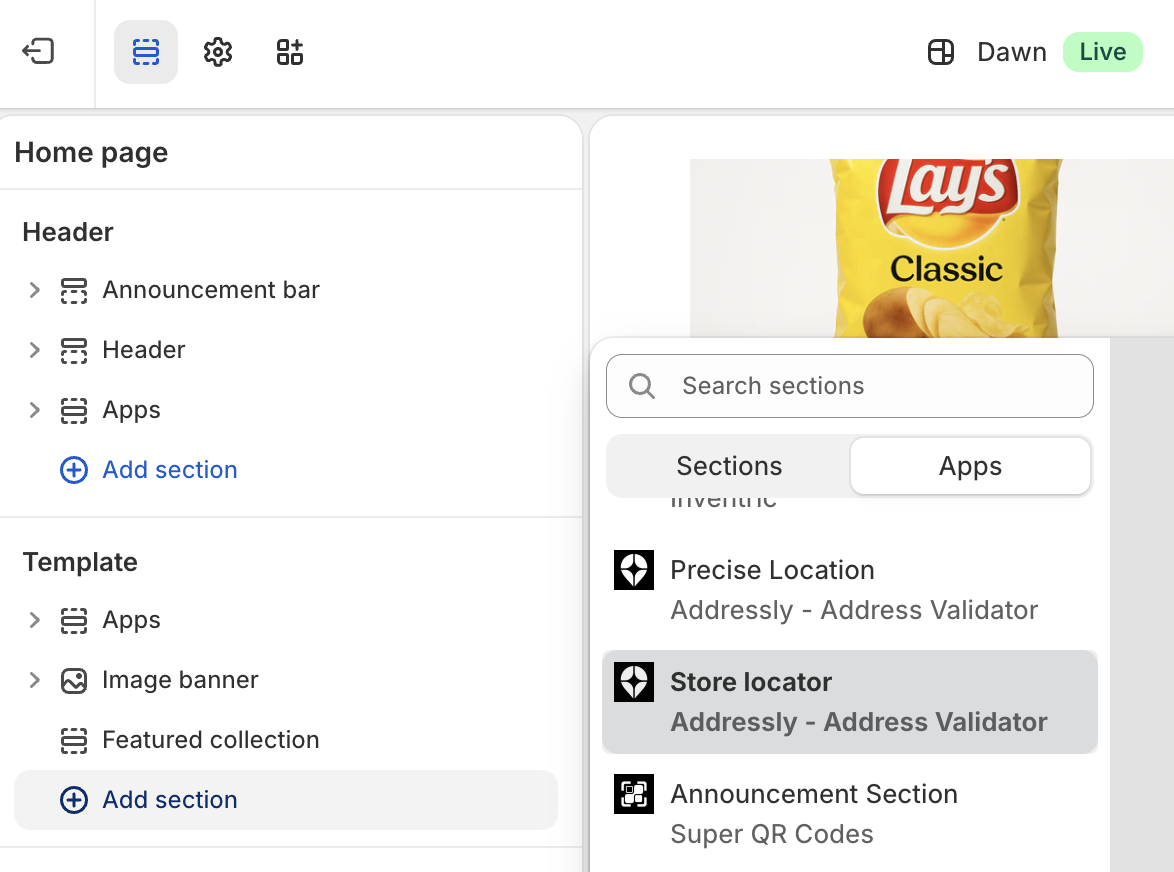
-
Customize the settings
-
Thats all
Feel free to chat with us if you need any help.